Kairo3D
NewPixal3D is live
Free tool · Runs in your browser

FBX to GLB Converter

Convert FBX to GLB to put a character or prop on the web: one binary glTF file with the mesh, its skeleton and its materials, ready for three.js, Babylon.js or <model-viewer>. Preview first, then download. The FBX never leaves your browser.

Drop FBX files to convert to GLB

Binary or ASCII .fbx (7.x and newer) — textures must be embedded to come along

Convert to

Animation clips are not written yet. FBX is usually in centimetres — pick “Centimetres → metres (×0.01)” under Scale so the GLB is life-size in metres.

STL has no units — most slicers read it as millimetres. Add a file to see its size.

Runs in your browser — your files are never uploaded.

  • Nothing uploaded
  • No sign-in
  • Skeleton kept
  • One self-contained file

FBX to GLB at a glance

What a web viewer gets from your FBX.

FBX

Autodesk scene

GLB

glTF 2.0 for the web

  • Meshes926 tris
    Indexed glTF meshes
  • Skeleton and weights2 skinned meshes
    Written as glTF skins
  • MaterialsPhong / Lambert
    Metal-rough PBR
  • Embedded textures“colormap”
    Packed inside the .glb
  • Unitcentimetres
    Metres (cm → m option)
  • Animation clipstakes
    Not exported yet
  • Lights and camerasscene helpers
    Left out
KeptConvertedLeft out
  • 1 .glbGeometry, skeleton, materials and any embedded images packed in a single binary glTF 2.0 file.
  • Skin keptBones and skin weights are written as glTF skins, so the character can still be posed or animated in the engine.
  • 0 clipsAnimation curves are not exported in this version — retarget or add animations in Blender or your engine.

How to convert FBX to GLB

From an Autodesk file to a web-ready model.

  1. Drop the FBX

    Use an FBX with “Embed Media” turned on if you want its textures. The model shows in the preview in its bind pose.

  2. Check GLB and the size

    GLB is selected. The size box shows the numbers the GLB will hold; for an FBX in centimetres, pick “Centimetres → metres (×0.01)” under Scale so the GLB is life-size.

  3. Download the .glb

    Click “Convert & download”. Load the file with GLTFLoader, Babylon’s SceneLoader or <model-viewer src="model.glb">.

What carries over

FBX vs GLB: what the web file keeps

glTF can hold almost everything FBX can. This converter carries the parts a web viewer needs and is upfront about the rest.

FBX: Autodesk scene

GLB: glTF 2.0 for the web

FBX vs GLB: what the web file keepsFBXGLB
Mesh, normals, UVsYesYes
Skeleton and skin weightsYesYes
Material names and coloursYesYes
Embedded texturesYesYes
External texture filesLinkedNo
Animation clipsYesNot yet
UnitsDeclared (often cm)Metres (cm → m option)

Tested on a Kenney alien: the GLB holds 2 skins and the “colormap” material, and is about a quarter the size of the FBX (187 KB vs 740 KB).

Scale and file size

What changes on the way to the web

glTF is measured in metres and stored as binary buffers. That fixes two classic FBX problems — giants in AR and slow downloads — if the scale is set right.

FBX69.8 cmcentimetresHeight stored in the game file
1 : 1
GLB 1:169.8 mread as metresA giant in any AR viewer
× 0.01
GLB ×0.010.698 mmetresLife size on the web and in AR

Centimetres to metres

  • The alien is 69.8 units tall and the FBX says centimetres.
  • glTF viewers read every number as metres, so 1 : 1 gives a 70-metre giant in AR.
  • “Centimetres → metres (×0.01)” makes it 0.698 m — life size in <model-viewer> and Scene Viewer.
The Kenney alien is 740 KB as FBX and 187 KB as GLB, about 75 percent smaller.
  • FBXsource740 KB
  • GLBconverted187 KB
−75%smaller, nothing removed from the mesh

A quarter of the download

  • Same triangles, same skin, same texture — measured on the Kenney alien.
  • GLB stores indexed binary buffers instead of FBX’s verbose node records.
  • A smaller file means a faster first paint for a product viewer or a game menu.
Where GLB goes

Rigged characters and products on the web

GLB is what web viewers, Android’s Scene Viewer and e-commerce 3D players load. These are the jobs an FBX to GLB conversion is for.

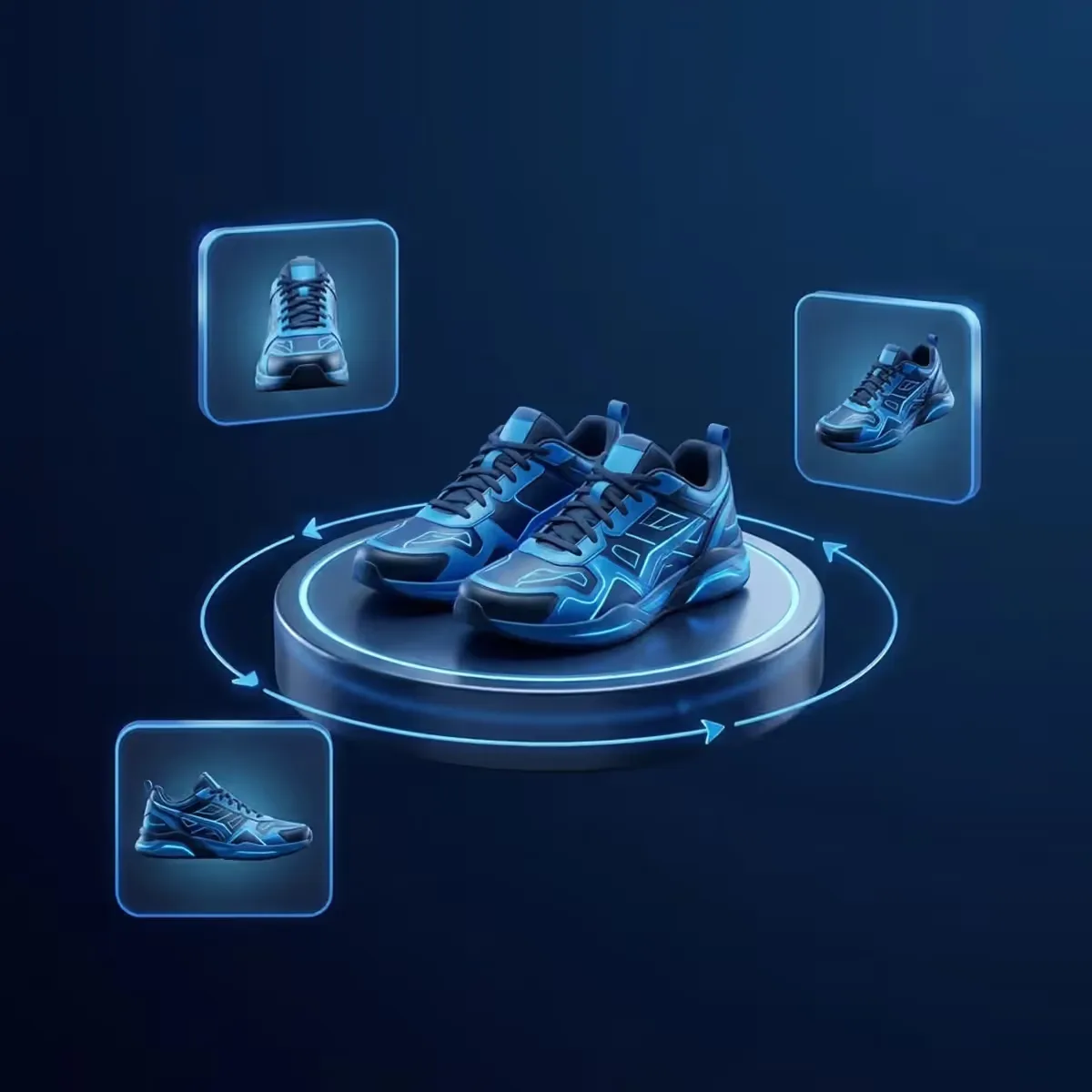
  • 3D sneaker on a glowing turntable with floating view thumbnails, a web product displayReference example
    Product viewer on a shop pageA spinning product in a web page is a GLB under the hood — metres for scale, PBR materials for light.
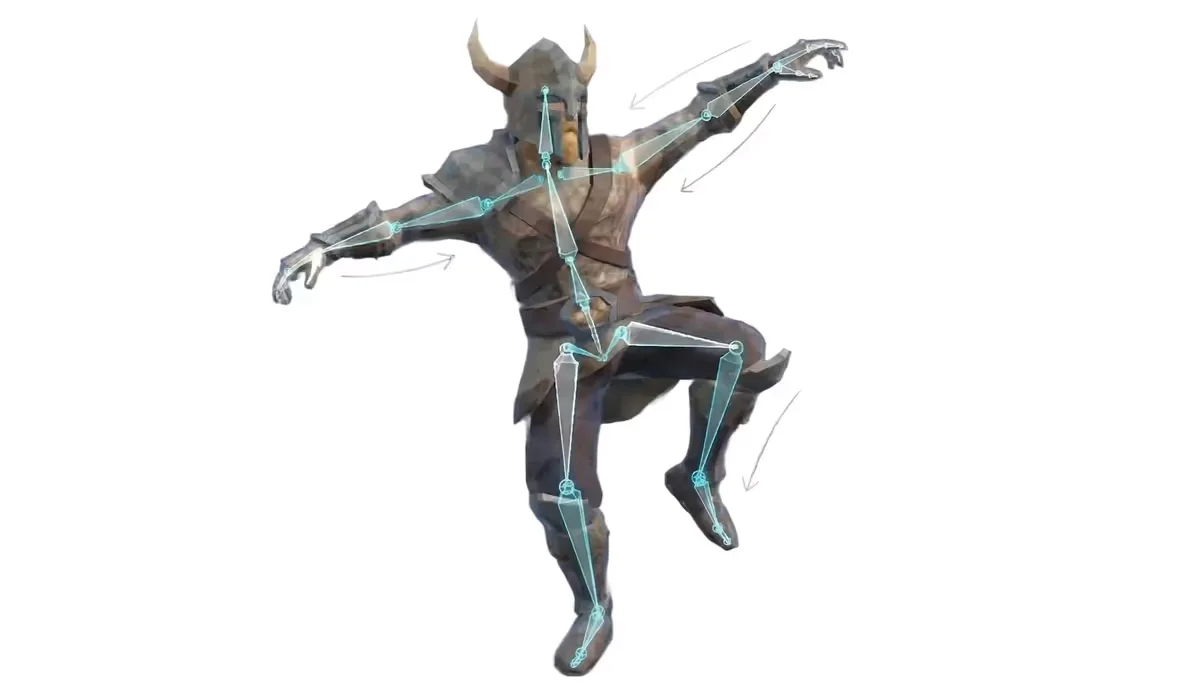
  • Horned-helmet warrior in a mid-air jump pose with skeleton lines visibleReference example
    A rig that still movesBecause skins survive the conversion, the GLB can be posed or animated again in three.js or Babylon.js.

Reference renders of rigged and web-displayed models, not files converted on this page.

Characters ready for a web viewer

Creatures and heroes from the reference library — the rigged models that teams move from FBX to glTF for browsers and AR.

Why convert FBX to GLB here

For web developers who just need the file to load.

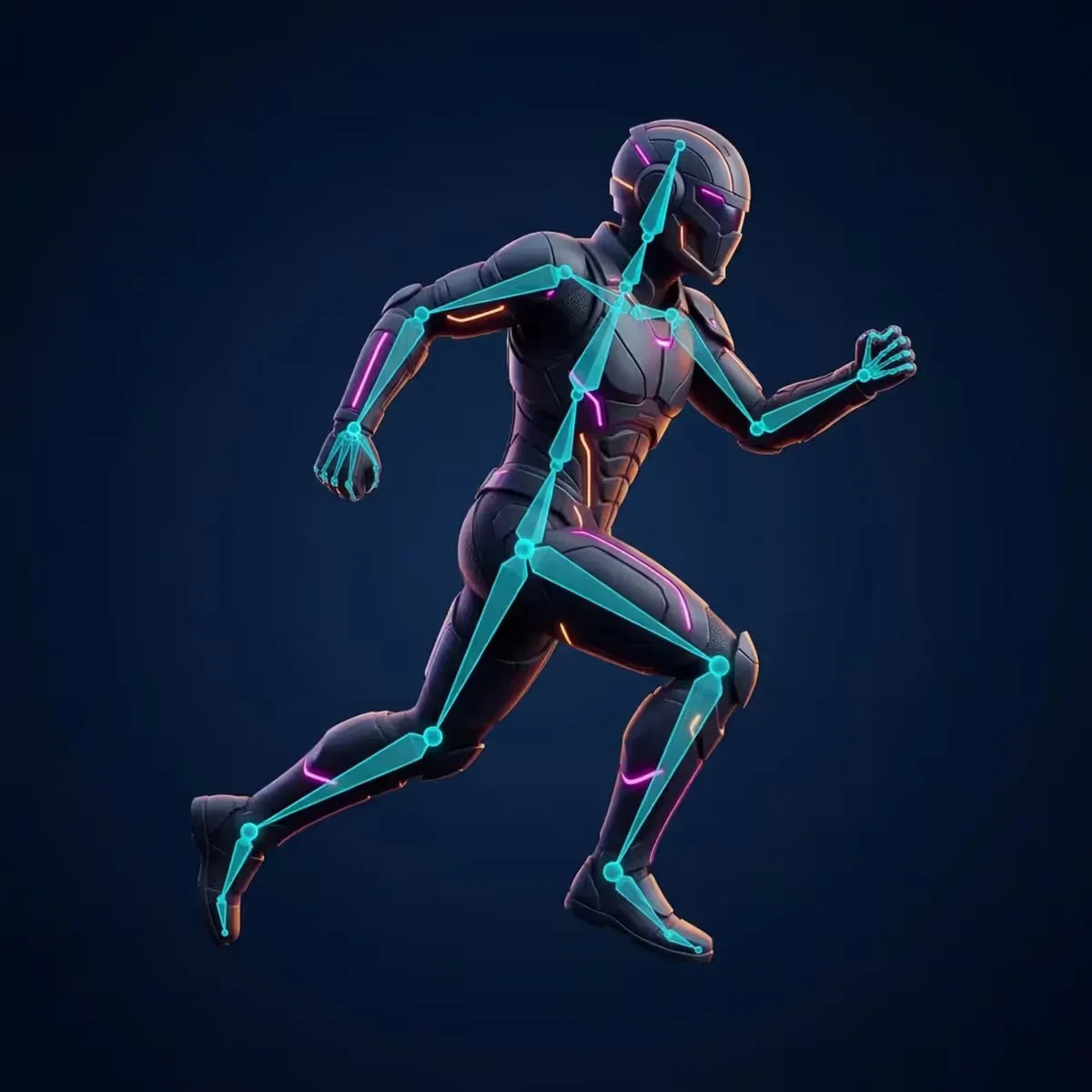
  • Running humanoid with glowing rig bones drawn over it on a dark background

    Skin survives

    SkinnedMesh data is cloned with its bones and exported as glTF skins, so you can drive the rig from three.js, Babylon.js or PlayCanvas.

  • Crystal-feathered blue eagle with spread wings

    Phong to PBR

    FBX Phong and Lambert materials are mapped to glTF metal-rough PBR with their colour, base texture, normal map and opacity, so they light correctly in web viewers.

  • Cube-shaped cartoon corgi character

    Smaller downloads

    GLB stores indexed binary buffers. Our Kenney test character went from 740 KB as FBX to 187 KB as GLB without changing a triangle.

  • Stylised spotted fawn holding a pink flower in its mouth

    No scene clutter

    Lights and cameras inside the FBX are left out, so the GLB holds only the model and drops cleanly into your own scene.

  • Tentacled fanged monster creature on a round stone base

    Honest about gaps

    Missing external textures are replaced with a neutral material instead of black, and the size panel shows the GLB size after scaling, so the unit change never surprises you.

  • Purple axolotl-dragon creature in overalls with robotic arms, crouching

    Local and free

    No upload, no account, no daily limit. Convert purchased assets without sending them to a third-party server.

FBX to GLB FAQ

Skeletons, animations, textures and scale, answered.

Need a web-ready model from scratch?

Generate a textured 3D model from an image and download it directly as GLB — no FBX pipeline required.

Try Image to 3D