Text to 3D Model AI from One Prompt
Text to 3D model examples
Open an example to read its prompt, then spin the model it produced.
How to turn text into a 3D model
Text to 3D model in three steps, from one sentence to a file you can open or print.
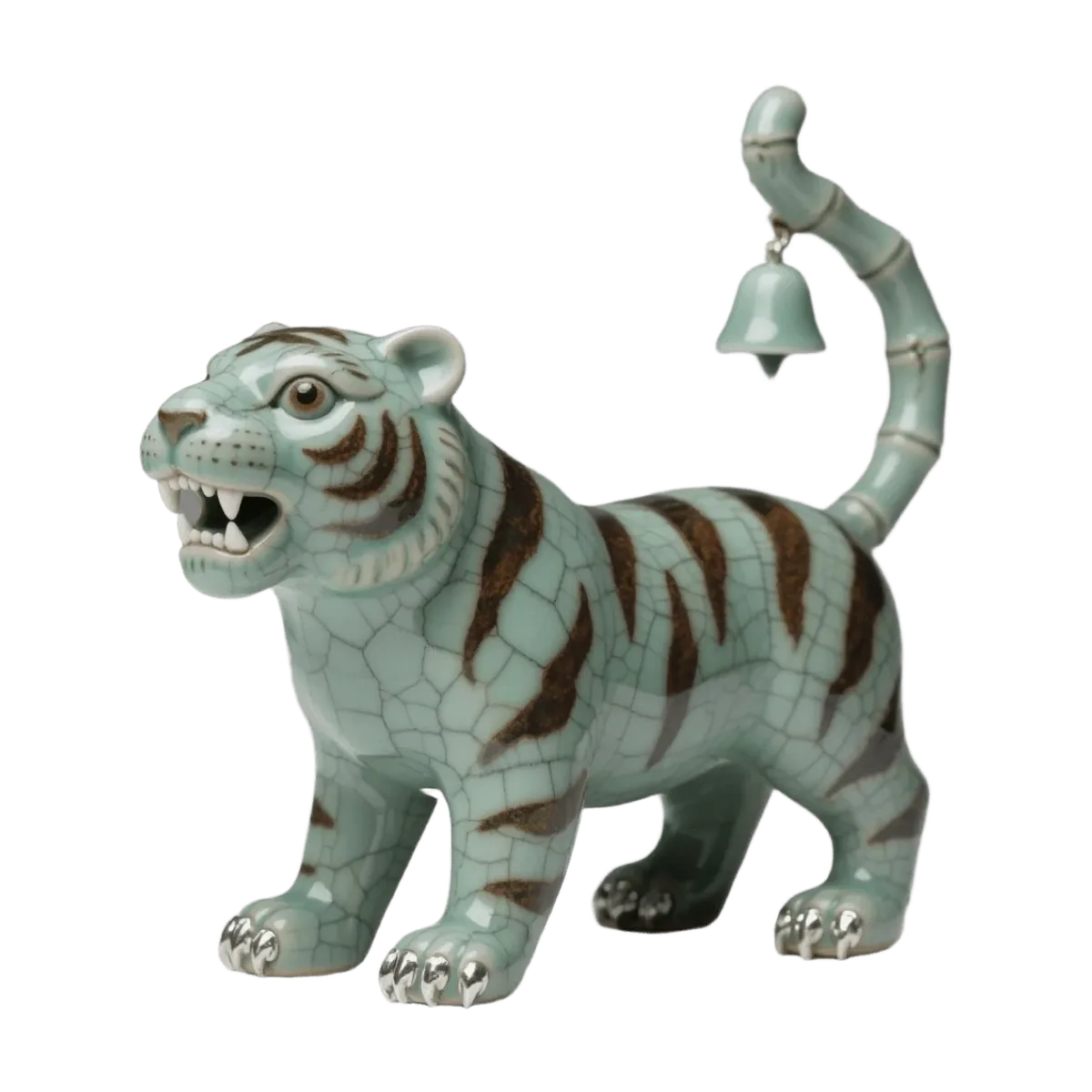
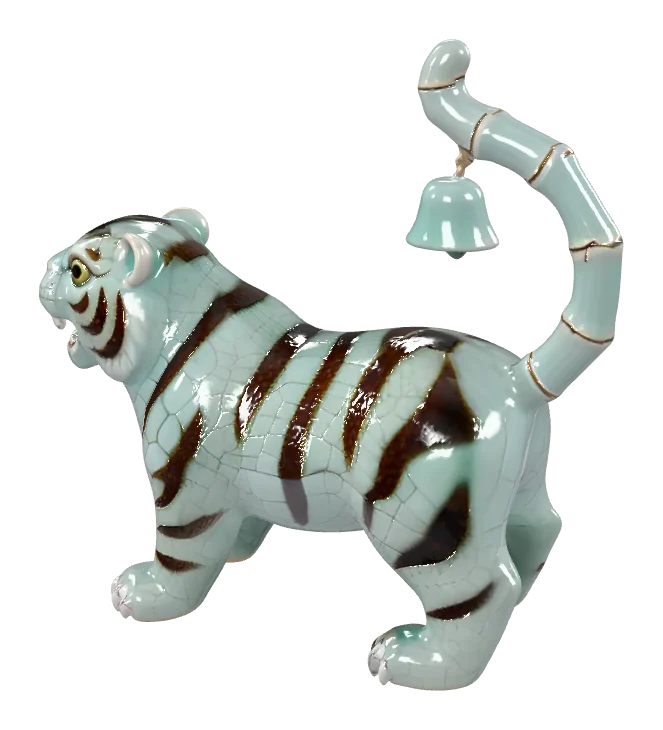
Describe one object
Name the subject, then add shape, material, colour and style, for example 'a weathered bronze dragon statue, coiled on a round base'. One object per prompt works best.
Choose an engine
Tripo H3.1 is the default. Hunyuan 3D 3.1 Pro and Rodin Gen-2.5 Fast read prompts differently, so the same words can give a fresh take.
Preview and export
Spin the model in the viewer, then download the GLB or convert it to STL, OBJ or PLY in your browser.
What each text to 3D model run gives you
The wait, the engines and the files, stated plainly.
- Under 2 minTypical text to 3D model time, depending on the engine
- 3 enginesText to 3D model engines from Tripo AI, Tencent and Hyper3D, run via fal.ai
- GLB + STLA textured GLB, plus STL, OBJ or PLY converted in your browser
Prompt to 3D model ideas
Subjects that work well as prompts, from game props to printable minis.
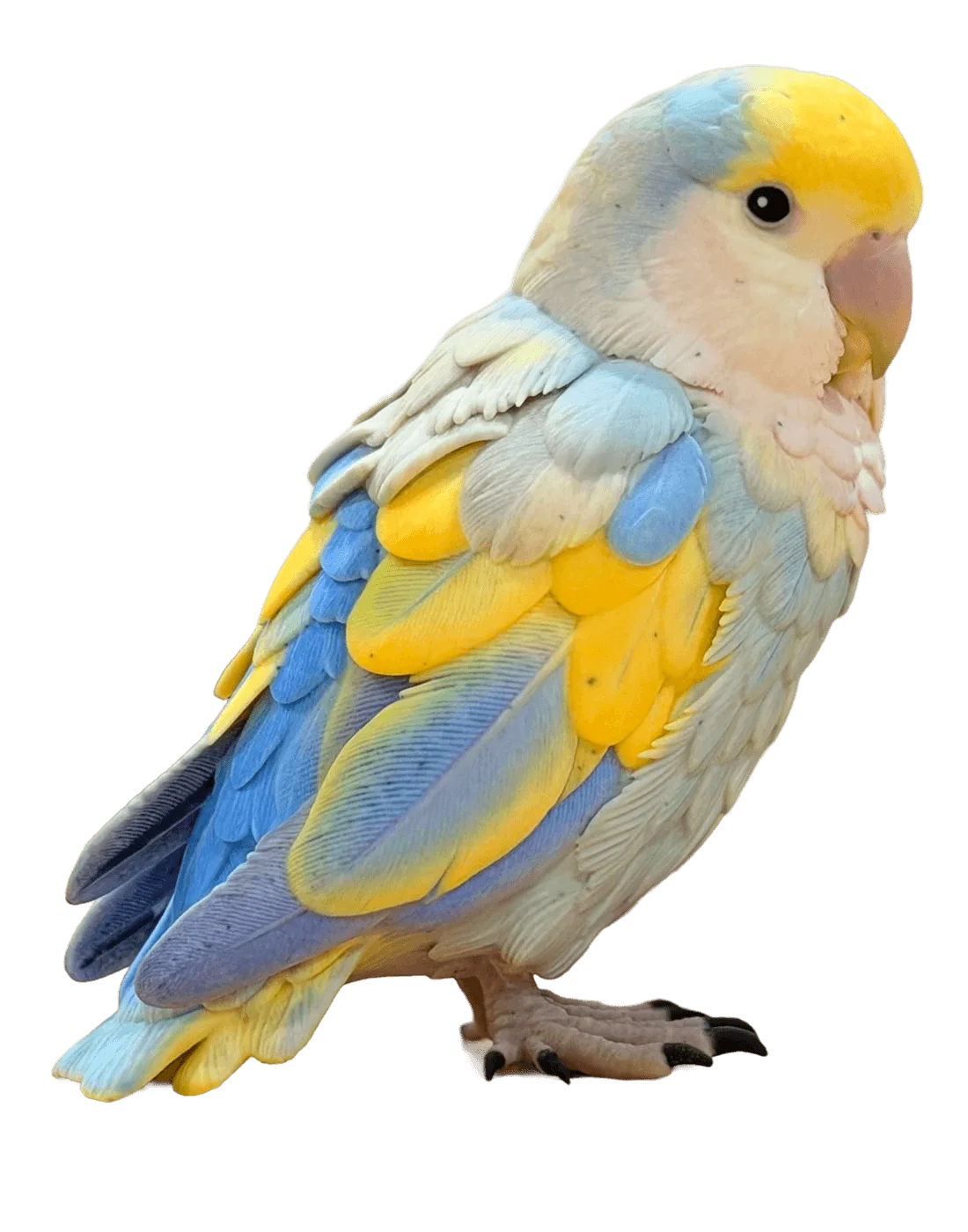
Desk figurines
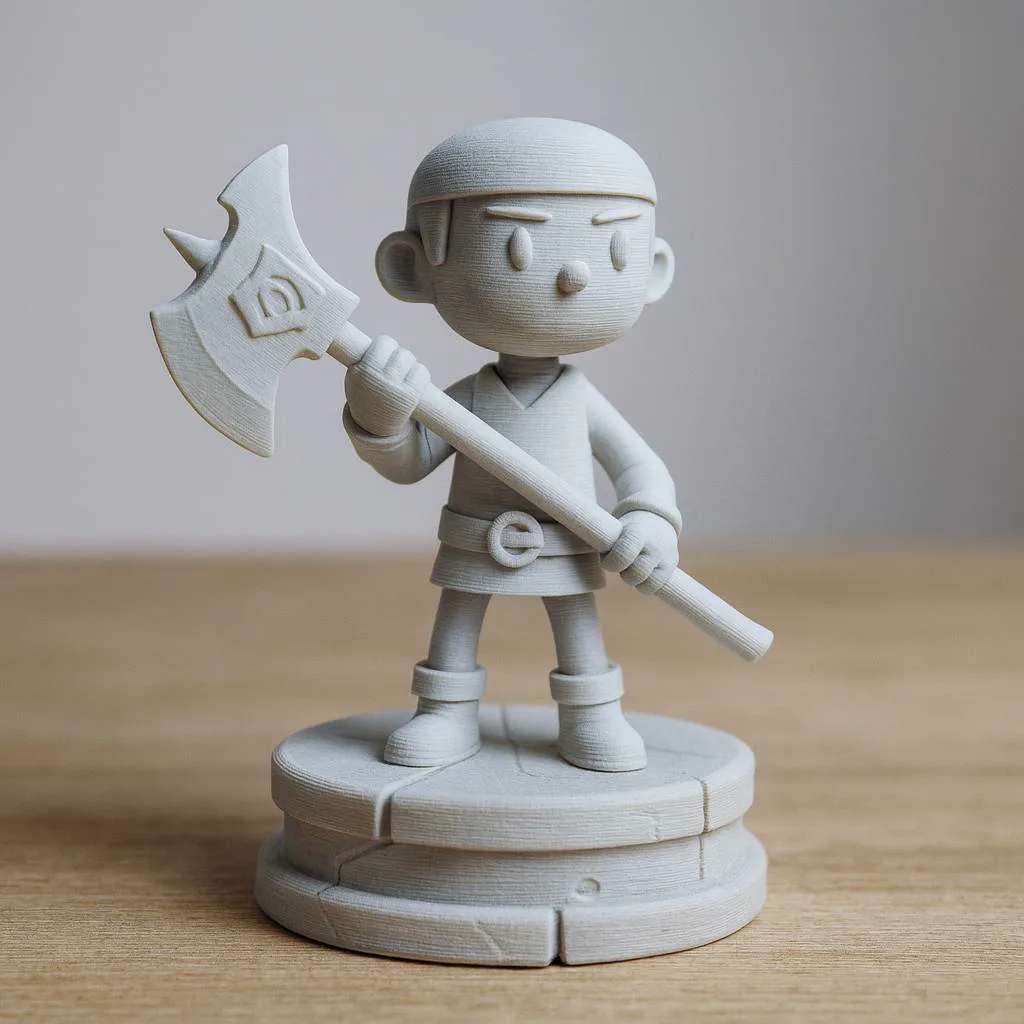
Describe a pet, a mascot or a tiny monument, generate it, and export an STL to print a figurine without modelling it yourself.
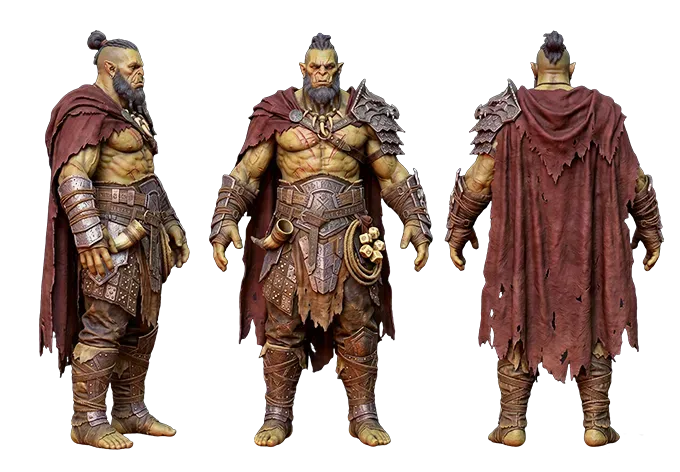
Game props from a prompt
Crates, swords, potions and lanterns: quick props from a prompt to block out a level in Unity, Unreal or Godot.
Product ideas
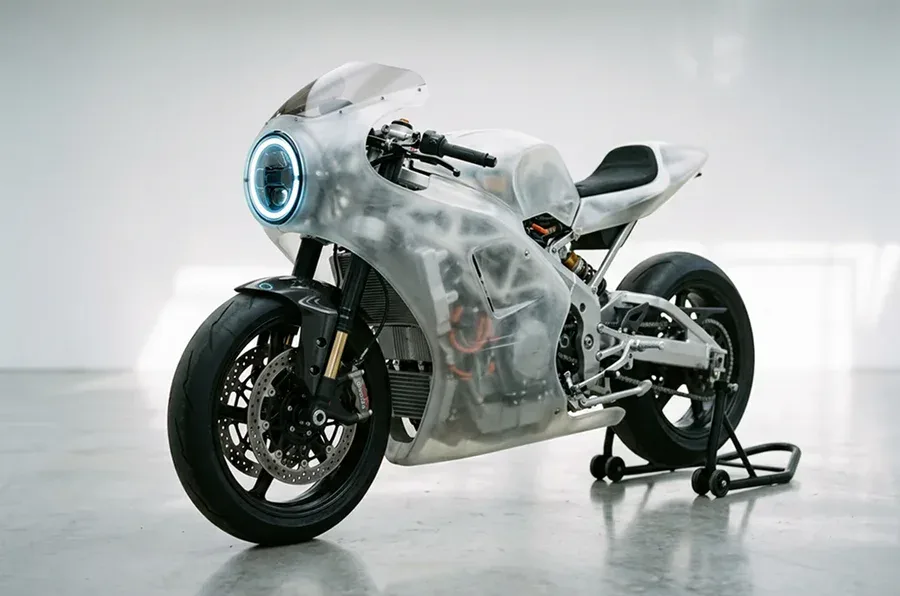
Sketch a bottle, lamp or gadget in words and see a rough 3D form before anyone opens CAD.
Characters from a prompt
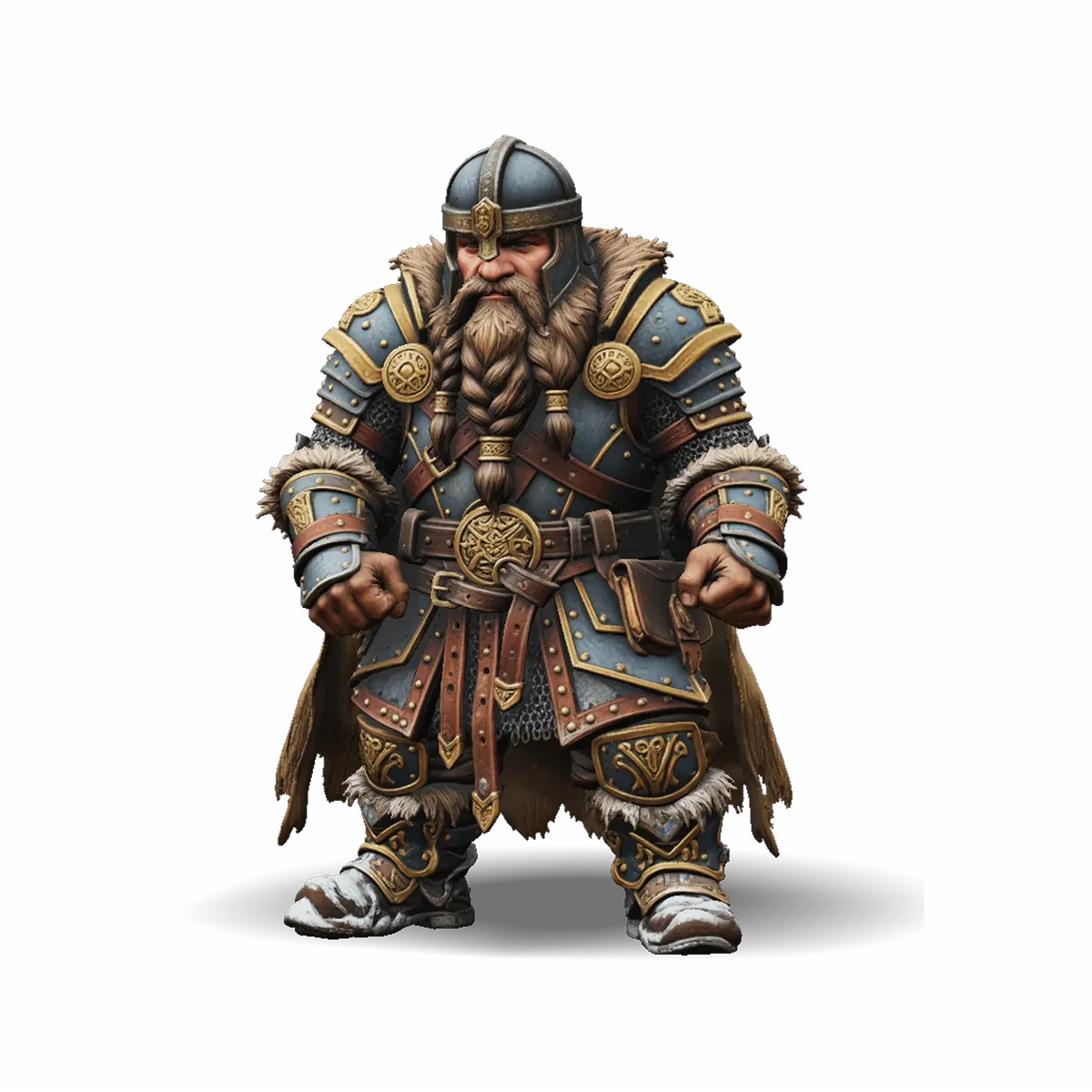
Describe a stylised character, a chibi knight or a cartoon robot, and get a static 3D character model to refine in Blender.
Text to 3D print
Go from a sentence to a printed object: export the STL and slice it in Bambu Studio, PrusaSlicer or Cura.
Web 3D mock-ups
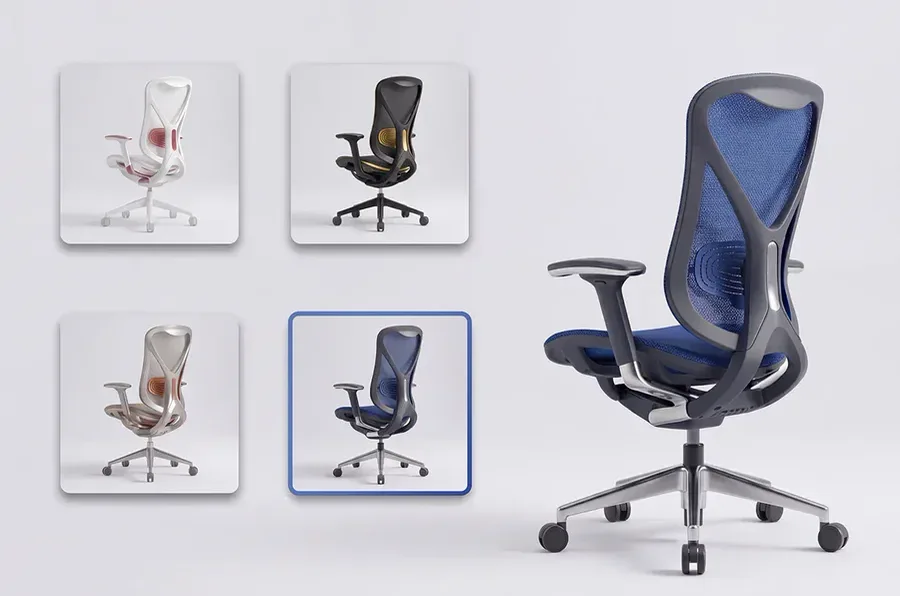
Make a GLB placeholder for a product page or a web 3D viewer while the real product shots are on the way.
Why use this text to 3D model generator
Engines that read prompts differently, honest timing and text to 3D model files you can actually use.
A sentence is enough
No photo, no sketch: describe the object and the model comes back with shape and texture.
Engines to compare
Tripo H3.1, Hunyuan 3D 3.1 Pro and Rodin Gen-2.5 Fast are third-party models called via fal.ai. Run one prompt on two and keep the better result.
Textured, not grey
Each text to 3D model result arrives as a textured GLB with colour and materials, ready for a 3D viewer or Blender.
Ready for your slicer
For printing, convert the GLB to STL in your browser; OBJ and PLY are there for other tools.
Credits back on failure
If a text to 3D model run fails, its credits return to your balance automatically.
Private library
Every model is saved to My creations, visible only to you, until you delete it.
Text to 3D model FAQ
Prompts, engines, characters, printing and files.
Other ways to make a 3D model
Start from a picture, prepare a print, or inspect a file you already have.
Describe it and get your 3D model
Text to 3D model in about a minute: write one sentence, pick an engine and download a textured GLB.