Image to STL: Photo to Printable 3D
Image to STL results you can spin
Figurines, statues and vases: the kind of shapes that print well.
How to turn a photo into an STL file
An image to STL workflow in three steps, from picture to print-ready file.
Upload a clear photo
One JPG, PNG or WebP up to 10 MB. A single subject, sharp and evenly lit on a plain background, prints best.
Generate the 3D model
TRELLIS 2 is selected by default, with Hunyuan 3D, Tripo, Rodin and Pixal3D one click away. You get a textured GLB in about a minute.
Download as STL
Pick STL when you download and your browser converts the GLB. Open the STL in your slicer, scale it and print.
What each image to STL run gives you
Honest numbers from this AI STL generator, before you print.
- Under 2 minFrom photo to 3D model, then seconds to convert it to STL
- 6 enginesImage to STL engines to choose from, all run via fal.ai
- STL · OBJ · PLYConverted in your browser from the generated GLB, with no second upload
Image to STL examples
Photo to STL projects people print from a single picture.
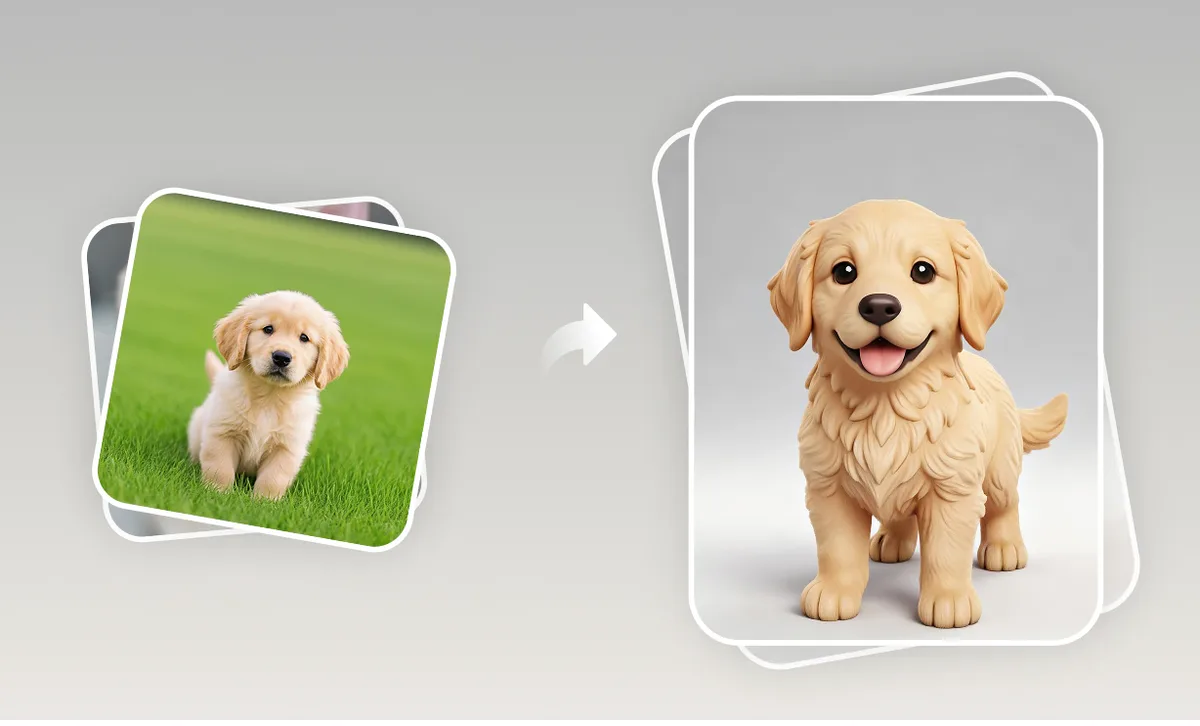
Pet figurine from a photo
The classic image to 3D print project: a photo of your dog or cat becomes a small figurine for the desk or a gift.
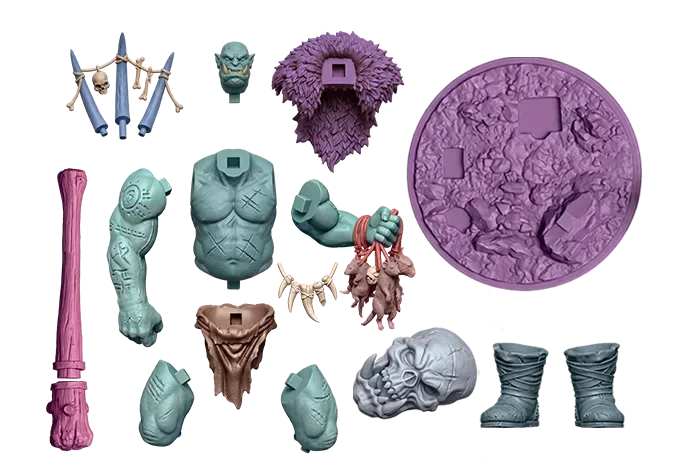
Tabletop props
Turn a concept sketch of a crate, a statue or a sword into an STL for a tabletop scene or a display shelf.
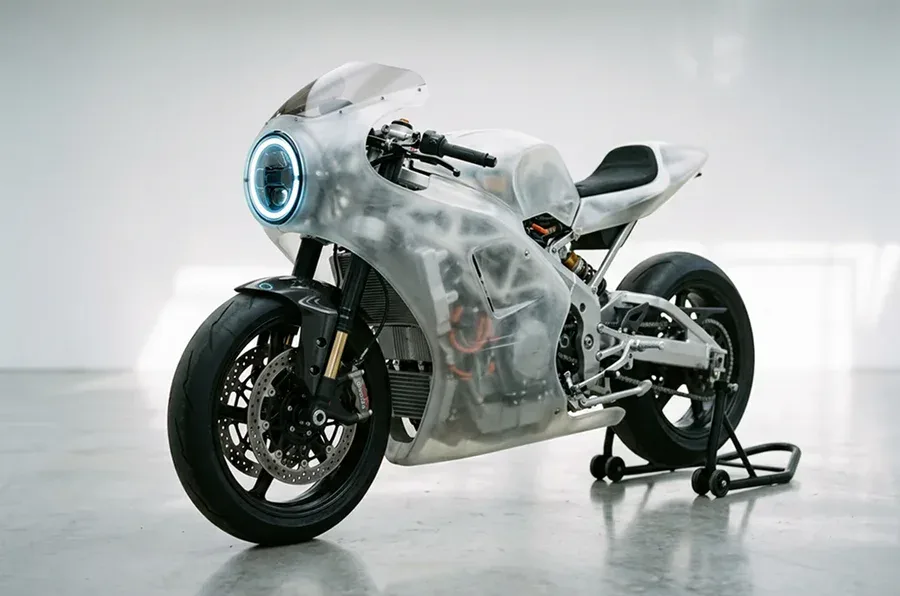
Rough prototypes
Print a quick physical mock-up of a product idea from a photo to check size and feel before proper CAD.
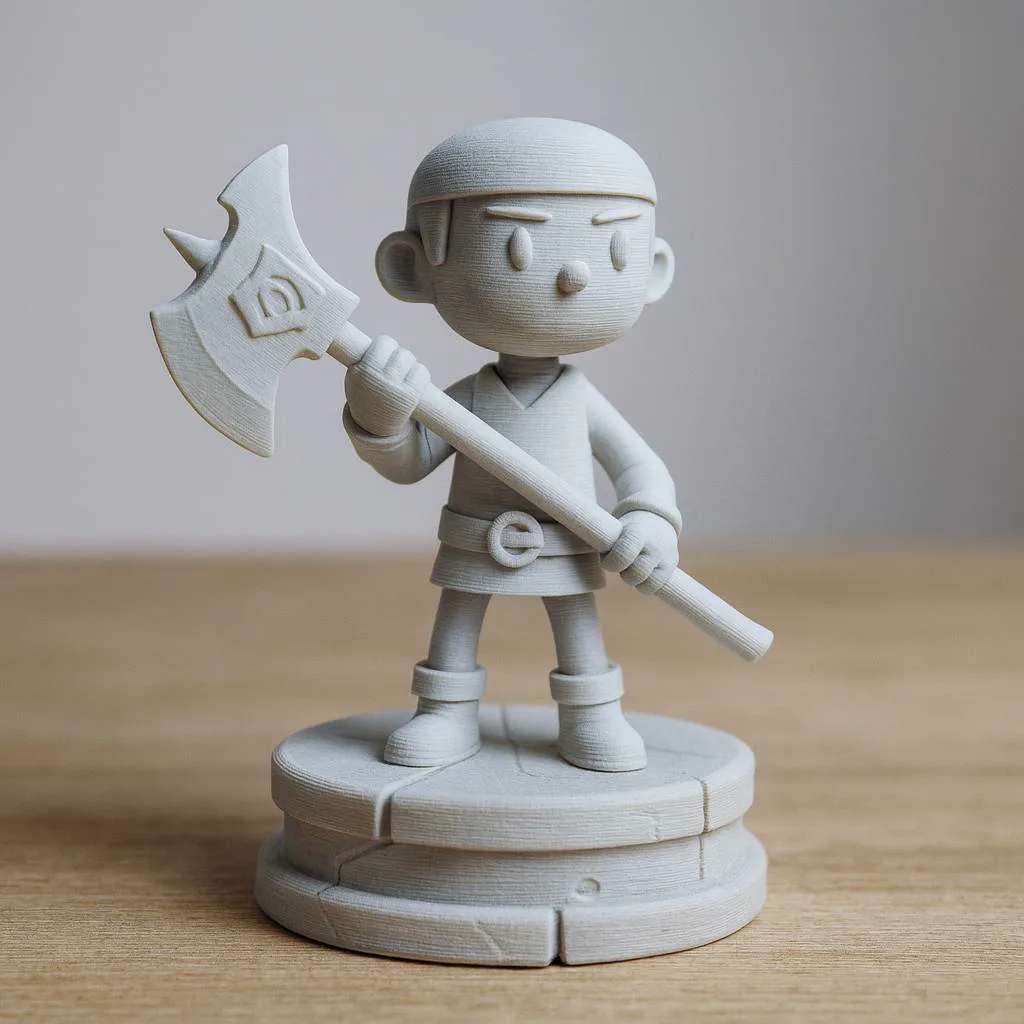
Characters from drawings
A clean character drawing becomes a printable figure. Paint it by hand, since an STL carries no colour.
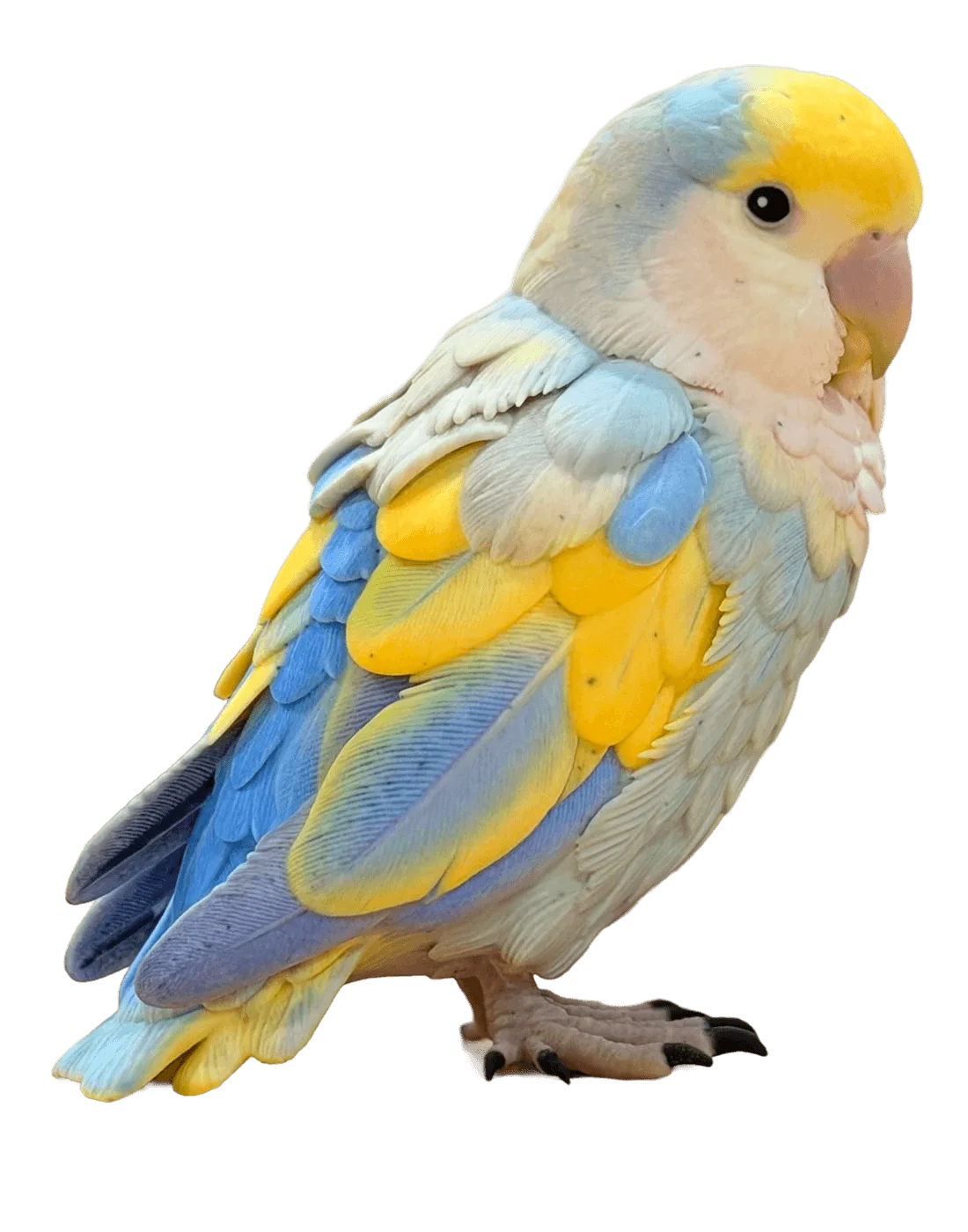
Keychains and keepsakes
Photo to STL, then scale the model down to keychain size in your slicer and print a personal keepsake.
Shop previews and samples
Keep the textured GLB for a rotating 3D view on your shop page and the STL for printed samples.
Why use this AI STL generator
An image to STL tool built for people who want a print, not a 3D modelling course.
Made for your slicer
STL opens in Bambu Studio, OrcaSlicer, PrusaSlicer, Cura and most other slicers. There's no direct integration: download the file and open it.
Converted in your browser
Photo to STL without extra software: the GLB to STL conversion runs on your device in seconds, with no second upload and no extra credits.
Pick the engine
TRELLIS 2, Hunyuan 3D, Tripo, Rodin and Pixal3D all turn photos into 3D. If one shape doesn't print well, try another engine on the same photo.
Honest about repairs
AI meshes usually slice fine, but some need a quick fix. Most slicers can repair small holes and flipped faces when you import the STL.
Credits back on failure
A failed image to STL run returns its credits to your balance automatically.
Check before you print
Open the STL in the free STL viewer to rotate and inspect it before it goes to the printer.
Image to STL FAQ
Printability, size, colour, slicers and files.
More tools for 3D printing
Convert a file, inspect it, or start from a different input.
Turn your photo into an STL now
Upload a picture and download an image to STL file for your slicer in a couple of minutes.