3MF vs STL: Which File Should You Print From?
3MF vs STL for 3D printing: what each file stores, how units, colour, file size and slicer support differ, when to use which, and how to turn a 3MF into an STL.
Last updated:
STL has been the default 3D printing file since the late 1980s. 3MF is the newer, open format that slicers such as PrusaSlicer and Bambu Studio save their projects in. This 3MF vs STL guide shows what each file actually stores, so you know which one to download, share and print from.
3MF vs STL at a glance
| Feature | STL | 3MF |
|---|---|---|
| What it stores | Triangles only: three corners and a normal each | A mesh plus units, objects, colours, materials, thumbnails and metadata |
| Units | None; slicers assume millimetres | Stored in the file (millimetres by default) |
| Colour and materials | No standard support | Yes, through the Materials extension |
| Objects per file | One mesh | Several objects; slicer projects add plates |
| Slicer settings | Not stored | Saved in project files by PrusaSlicer and Bambu Studio |
| File size | Repeats shared corners; 50 bytes per triangle (binary) | Lists each corner once and is ZIP-compressed |
| Structure | ASCII or binary, documented in 1988 | XML in a ZIP package; ISO/IEC 25422:2025 |
| Support | Nearly every slicer, CAD and 3D app | Major slicers and printer software; varies in other 3D apps |
What is an STL file?
STL (from stereolithography) was created by 3D Systems and first documented in 1988. An STL file is a plain list of triangles: for each one, three corner points and a normal that points outwards. Binary STL, the common variant, has an 80-byte header, a triangle count and 50 bytes per triangle.
That's all it holds. No colour, no units, no names and only one object per file. In any 3MF vs STL decision, that simplicity is STL's main strength: almost every 3D program can read it.
What is a 3MF file?
3MF (3D Manufacturing Format) is an open format from the 3MF Consortium, whose members include Microsoft, Autodesk, HP, Prusa Research and 3D Systems. In 2025 it became an international standard, ISO/IEC 25422:2025.
A 3MF file is a ZIP package. Inside, an XML model lists every vertex once and builds triangles from those vertex numbers. It also sets the unit and can hold several objects and a thumbnail, while extensions add colour, materials and more. Slicers add their own settings, which turns a 3MF into a complete print project.
3MF vs STL: the key differences
Units and scale
Units are the first 3MF vs STL difference most people notice. An STL carries no scale information, so your slicer reads the numbers as millimetres. A model built in metres, like most GLB files from AI generators, can arrive about a millimetre tall. A 3MF states its unit, from microns to metres with millimetres as the default, so the size arrives as intended.
Colour and materials
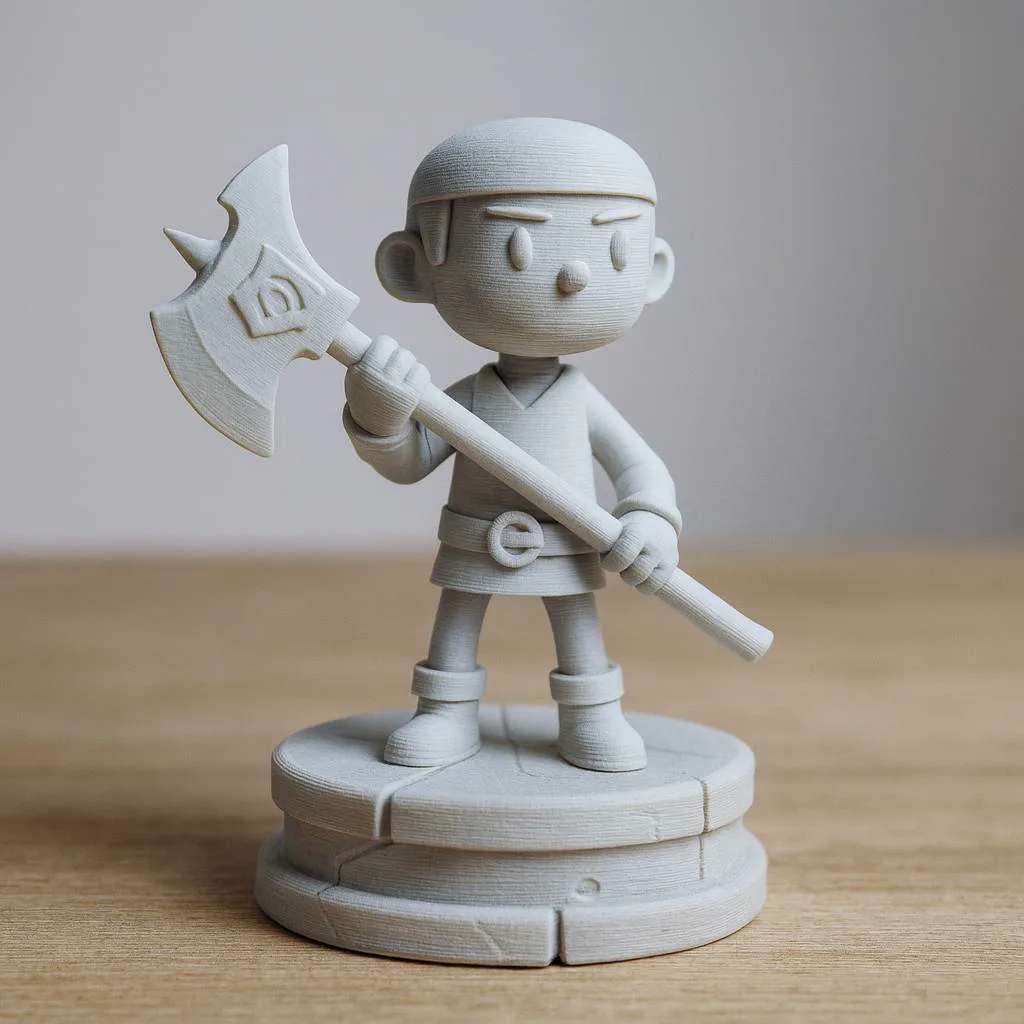
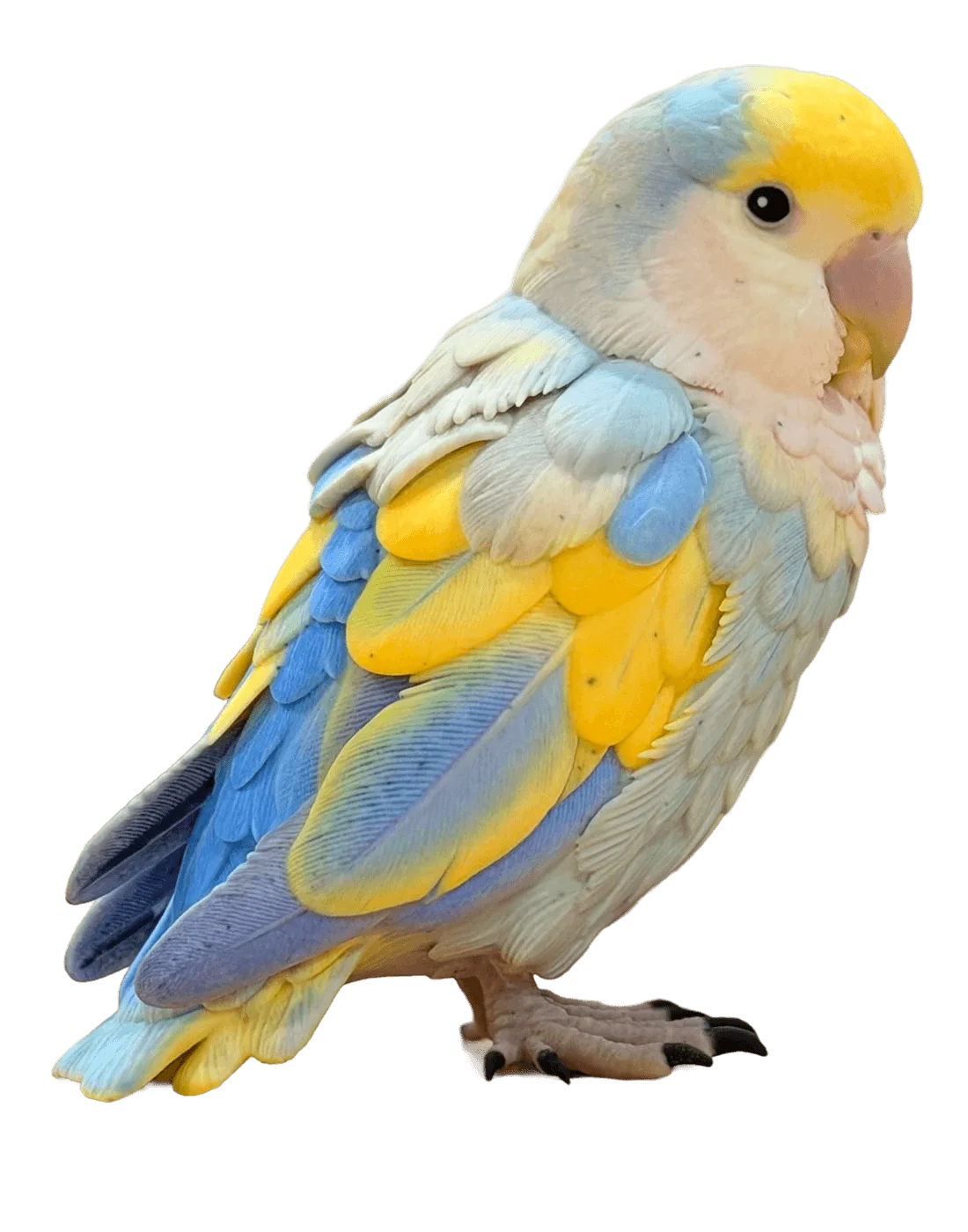
For multi-colour printing, STL vs 3MF is not a close call. STL has no standard way to store colour. 3MF does, through its Materials and Properties extension, and Bambu Studio keeps painted colours and filament choices in its 3MF projects. Convert a colour 3MF to STL and you get a single-colour shape.
Several objects and plates
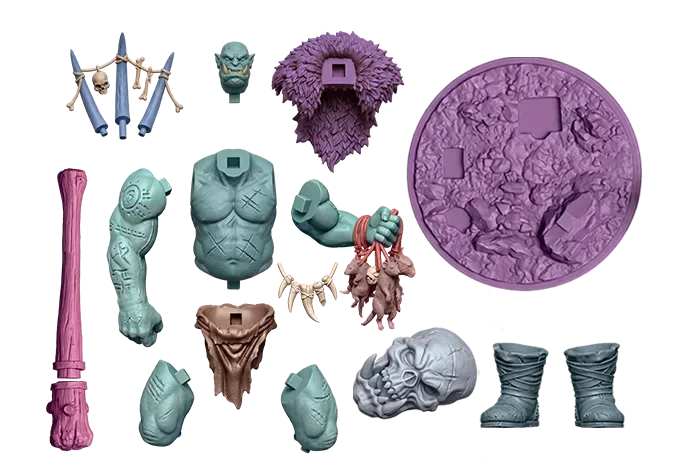
One STL describes one object. A 3MF can hold many objects with their positions, and Bambu Studio stores several build plates in one project file.
Slicer settings and file size
PrusaSlicer's "Save Project as" writes a 3MF with all objects, settings and modifiers, so the file should slice the same way on another computer. This is the STL vs 3MF difference you feel when you reprint: an STL only has the shape, so supports, infill and orientation are set again each time.
On size, a binary STL spends 50 bytes on every triangle and repeats each shared corner. A 3MF lists each corner once and compresses the package, so the same mesh is often smaller.
STL vs 3MF: when to use which
How to turn a 3MF into an STL
Some printers, services and 3D apps still ask for STL. Open your 3MF in the free 3MF to STL converter, which runs in your browser, then check the result in the STL viewer. Expect to lose what STL can't store:
- Colours and materials: the STL is a single colour.
- Slicer settings: supports, infill and plates stay behind.
- Separate objects: an STL holds one mesh, so parts are merged or exported one by one.
- Units: STL has none, so check the size in your slicer.
Going the other way is easy: open the STL in your slicer and save the project as 3MF.
3MF vs STL vs OBJ
OBJ is the third common mesh format. It stores vertices, normals and texture coordinates, and keeps materials in a separate .mtl file. Like STL, it has no unit; unlike STL, it can point to colours and textures. To print an OBJ, or a GLB from an AI generator, convert it with the free GLB to STL converter, which reads both.
3MF vs STL FAQ
Next step: convert or create
Settled 3MF vs STL for your project? Convert a project with the 3MF to STL converter. No model yet? Generate one from a photo on the image to STL page and follow our guide on how to make an STL from an image.
Sources
3MF vs STL format facts checked on 13 October 2026: